
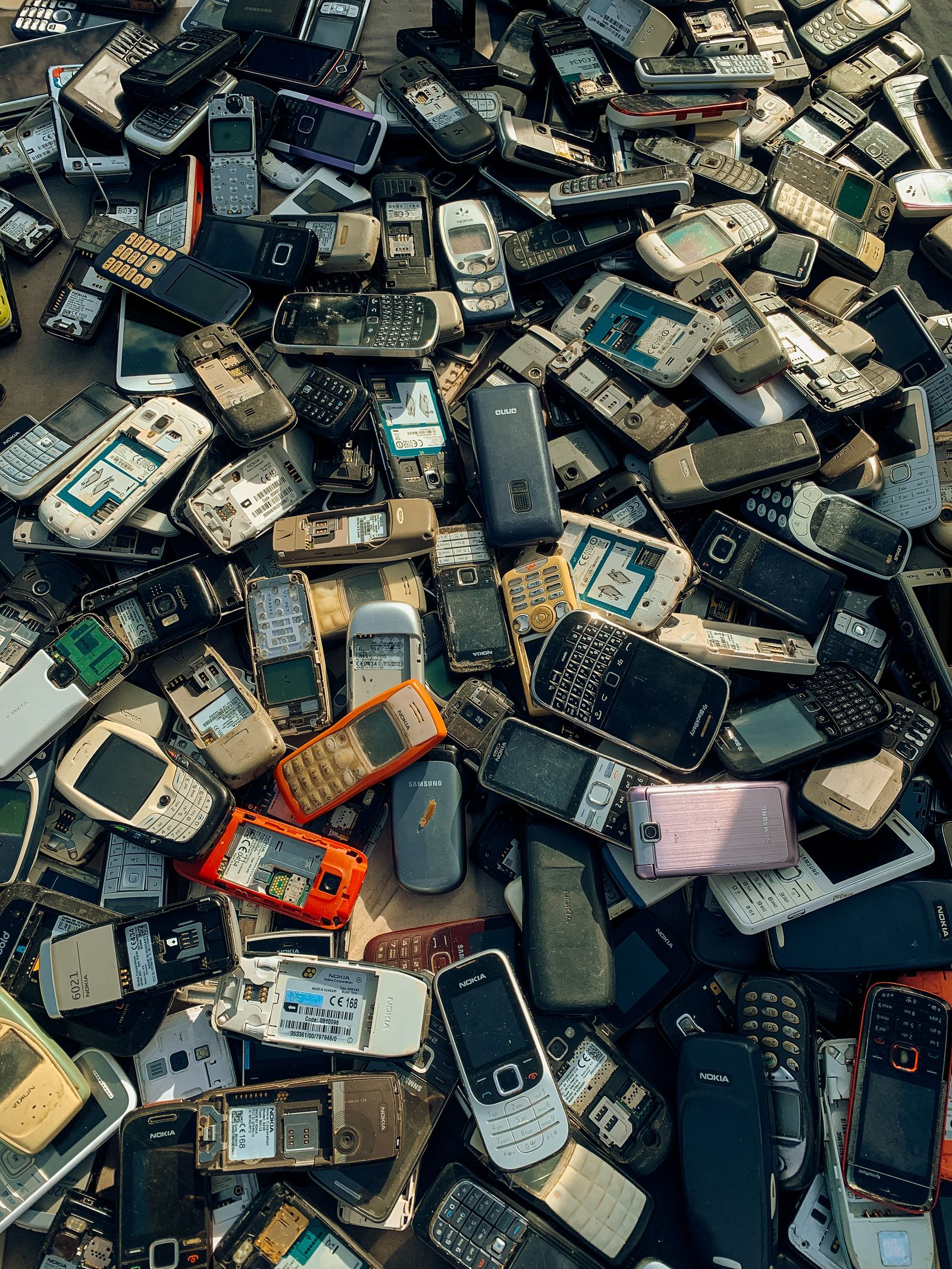
The drawer of dead phones. The laptop that hasn’t booted since 2022. The shoebox of charging cables for devices you no longer own. Most of it is worth more moving through a recycling stream than sitting in a junk drawer — and a surprising amount of it is worth actual cash. Here’s the full, no-nonsense process to recycle old electronics for cash and dispose of the rest responsibly, in the right order, without driving to three stores or leaking your data on the way out.
Why It Can’t Just Go in the Trash
Two reasons, one legal and one financial. Legally, electronics contain lead, mercury, cadmium, and lithium that aren’t allowed in landfills — many states explicitly ban tossing batteries, screens, and whole devices in regular trash, and lithium batteries are a genuine fire hazard in garbage trucks and transfer stations (a real and growing cause of facility fires). Financially, that same hardware holds copper, gold, palladium, and rare-earth elements worth recovering. Recycling is both the responsible move and, done right, the one that puts money back in your pocket. The EPA’s electronics recycling guidance is the authority on safe disposal.
Step 1: Sort Into Three Piles
- Sell or trade in — working phones, tablets, laptops, smartwatches, and game consoles roughly 5–6 years old or newer. This is the cash pile.
- Recycle for free — dead devices, old TVs and monitors, cables, chargers, and anything with no resale value.
- Wipe first, no matter which pile — anything that ever touched your accounts, passwords, or photos gets erased before it leaves the house.
Step 2: Wipe Your Data — Properly
This is the step people skip and regret. Deleting files or apps doesn’t remove the data — it just unlists it, fully recoverable with free tools. Do it right:
- Phones and tablets: sign out of iCloud, Google, or Samsung accounts first (this releases the activation lock — skip it and the device is bricked for the next owner), then Settings → factory reset. On modern encrypted phones, the reset destroys the encryption key, which makes the data unrecoverable.
- Laptops and desktops: use “Reset this PC → Remove everything” (Windows) or “Erase All Content and Settings” (Mac), not a file delete. On older mechanical hard drives, a dedicated wipe tool that overwrites the disk is the belt-and-suspenders move.
- Dead drive that won’t boot? This is the one case for physical destruction — drill it, or have a recycler shred it. A drive you can’t power on is a drive you can’t verify you erased.
- Don’t forget: remove SIM and microSD cards, and deregister the device from your Apple/Google/carrier account so it’s not still tied to you.
Step 3: Recycle Old Electronics for Cash
If it powers on, check its trade-in value before recycling it for free. The major options, and what each is best at:
- Apple Trade In — iPhones, iPads, Macs, Watches; pays an Apple gift card or credit toward a purchase. Convenient, rarely the top dollar.
- Best Buy Trade-In — most brands, pays a Best Buy gift card, in-store drop-off with an on-the-spot appraisal.
- Gazelle — mail-in, instant online quote, pays cash (PayPal/check) after inspection. Strong for phones.
- Decluttr — like Gazelle, and it also takes CDs, DVDs, and games alongside tech.
- ecoATM kiosks — 5,000+ mall and store locations; feed in the device, get cash immediately, even for cracked or damaged units (at a lower price). Unbeatable for instant, and for dead-but-not-worthless phones.
- Swappa or eBay — the most work, the most money. Selling peer-to-peer routinely beats trade-in quotes by 30–50% for desirable, recent devices. Worth it above roughly $150 of value.
Quotes swing with condition and demand, so always check two services before committing — a five-minute comparison regularly changes the payout by double digits for the identical device. And factor in payout type: an Apple gift card is only worth full value if you were going to spend it at Apple anyway.
Step 4: Recycle the Rest, For Free
No resale value still doesn’t mean landfill:
- Best Buy — takes most electronics free at the customer-service counter (limits per household per day), and sells prepaid mail-in boxes for bulk clean-outs.
- Staples — free recycling for small electronics, batteries, and ink cartridges (which sometimes earn store rewards).
- Manufacturer take-back — Apple, Dell, HP, and others will recycle their own old hardware even with no new purchase, often with a free prepaid shipping label.
- Call2Recycle — a nationwide drop-off network specifically for batteries, the trickiest and most fire-prone item to dispose of.
- Municipal e-waste events — check your city or county site for seasonal drop-off days, which take the awkward stuff stores refuse: CRT tube TVs and monitors, big printers, and old UPS units.
One quality marker worth knowing: recyclers certified to R2 or e-Stewards standards are audited to actually recycle domestically rather than dump e-waste overseas. If where your data-bearing hardware ends up matters to you, look for those certifications.
The Bottom Line
Wipe it, check if it’s worth trading in, then recycle whatever’s left — in that exact order. Budget about twenty minutes per device, and you keep your data private, your old electronics out of the landfill, and sometimes a little cash back in your pocket. It’s the rare bit of housekeeping that pays you to do it. Chasing savings elsewhere too? See where the real car incentives are right now, or if you’re upgrading tech, our guide to the best AI glasses covers what’s actually worth buying.